I got tired of watching AWS all day, so I built an agent to do it for me
 Tarik Kansal·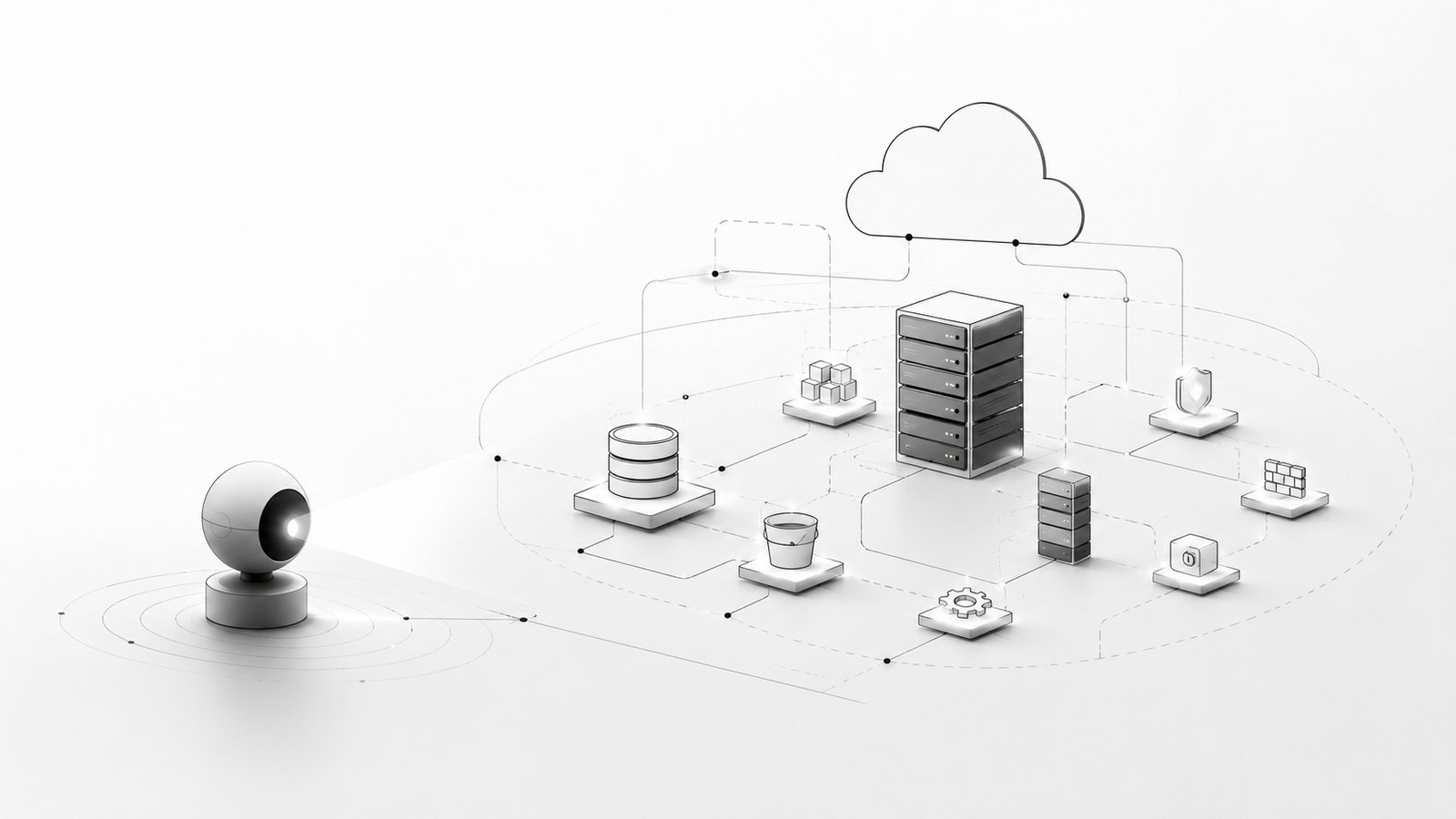
Listen to this post
AI-generated narration of I got tired of watching AWS all day, so I built an agent to do it for me.
Every founder I talk to has some version of the same ritual. Somewhere in the day, usually first thing in the morning, sometimes last thing at night, they open the AWS console. They click through Billing. They check Cost Explorer. They glance at RDS to make sure the database didn't fall over. They eyeball CloudFront, poke at S3, maybe check if anyone left a test server running from last week.
It's not a big task, individually. But it's a task that never ends, and it's the kind of thing that quietly demands a person, usually the most technical person in the room, usually the founder, to just remember to do it. Every day. Forever.
I asked around. I talked to other people building things, running their own infrastructure, and it turns out this isn't a me problem. It's basically universal. Everyone running AWS for a real product has some version of this manual ritual, and almost nobody has automated it, because it's never quite painful enough on any single day to be worth stopping and fixing.
So I stopped and fixed it.
What I actually built
AWS Ops Agent is exactly what it sounds like: an AI agent that watches your AWS account so you don't have to. It runs on a schedule, checks everything (servers, databases, storage, email, CDN, certificates, costs, the works), and posts a real status table to Slack or Microsoft Teams. Not a wall of raw CloudWatch metrics. An actual sentence you can read in five seconds, plus a table if you want the detail.
Here's roughly what shows up in the channel:
| Service | Status | Cost/Day | Cost MTD | What it's for | Notes |
|---|---|---|---|---|---|
| Databases (RDS) | Available | $0.21 | $3.60 | Managed relational database | myapp-prod (PostgreSQL) running normally |
| File storage (S3) | Active | $0.00 | $0.00 | Object / file storage | 4 buckets healthy |
| Monthly costs | Tracked | $1.14 | $19.40 | Overall account spend | Offset by credits (net -$0.01). Top usage: RDS, VPC |
No jargon. No CloudWatch alarm names. Just: here's what's running, here's what it costs, here's what it's for, here's what changed.
The part I actually care about: it doesn't just watch, it acts carefully
Watching is the easy 80%. The part that took real thought was: what happens when something should change? An idle server that's been running all weekend. A database someone forgot to scale down. A CloudFront cache that needs invalidating.
I didn't want an agent with god-mode access to my AWS account making decisions on its own. So I split everything into tiers:
- Tier 1: auto-execute. Reversible, low-risk stuff: stopping a resource tagged non-prod, applying an S3 lifecycle policy, invalidating a CDN cache. The agent just does it and tells you afterward.
- Tier 2: needs your approval. Anything touching something tagged production. It posts a button. You click it. It executes only after that click, never before.
- Never available, period. IAM, KMS, VPC network rules, billing/org settings. Not "the prompt tells it not to." The actual AWS credentials the agent holds don't have permission to touch these, at the infrastructure level. Even if something went wrong with the model's judgment, there's no code path that reaches these systems.
I learned some of this the hard way while building it, honestly. I found a forgotten SFTP server that had been quietly billing me for days with zero users connected to it, exactly the kind of thing this agent now catches automatically. I also hit a bug early on where a Slack message said an action had "executed" when it had actually failed silently against AWS. Both of those became things the agent now checks for, because I ran into them myself first.
Why I'm giving this away
I built this to solve my own problem, not to sell a SaaS. So I'm putting the whole thing on GitHub, MIT licensed. Clone it, run the setup wizard, deploy it into your own AWS account. It never touches anyone else's infrastructure but yours; there's no hosted service, no third party in the loop, no data leaving your account except what you choose to send to Bedrock for the plain-English summary.
Getting started
git clone https://github.com/tarikkansal/aws-ops-agent.git
cd aws-ops-agent
python3 setup.py
The setup wizard asks you a handful of questions (how often you want checks, what timezone, which Slack/Teams channel, any naming conventions you want flagged) and does everything else itself: deploys the IAM roles, stores your secrets, builds and deploys the whole thing. You never hand-edit a config file.
Full details, architecture, and the exact safety model are in the README.
If you're running AWS for your own product and you've got that same daily ritual, I'd genuinely love to hear if this helps, and even more if you find something in it worth improving. That's the whole point of putting it out there.